
RELAX. RECHARGE. RENEW.
Before using your Woojer MAT for the first time, please review the following information carefully.
You can also find this information in the Woojer MAT User Manual.
We highly recommend watching our Getting Started videos, available on this dedicated page.
These quick guides will help you get the most out of your Woojer experience.
Setting up your Woojer MAT
Placement
Place your Woojer MAT on a soft, supportive surface such as a bed or sofa.
Avoid using it directly on hard floors or rigid furniture, as this may affect comfort and performance.
Power connection
Connect the included power supply to the Power Supply (USB-C) port.
Make sure that the firmware of your Woojer MAT is updated, using the Woojer Device Manager App on your mobile phone. This is very important to ensure that your Woojer MAT will always provide you with the best experience.
Please refer to [[ this article ]] for how to connect the Woojer MAT to the Woojer Device Manager App and update the firmware properly.Audio connection - ⚠️ This step is required for proper operation. ⚠️
Connect your Woojer MAT to an audio source (e.g., mobile device, PC, console) via Bluetooth or the 3.5mm audio cable.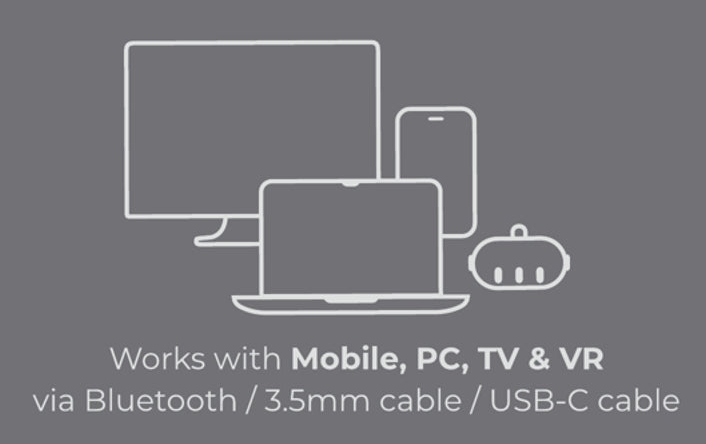
Choose your experience
Once connected, select how you'd like to enjoy your MAT:
With headphones (wired or Bluetooth) for a deeply immersive experience.
With external speakers (wired or Bluetooth) for shared sessions.
With pure tactile bass only, without any headphones or speakers, for a focused physical experience.
Each option delivers a unique and powerful way to feel your sound.
6. For the best experience, make sure to download the Woojer MAT App on your mobile phone.
Tips:
Experiment with different setups, genres, and soundscapes to find what feels best for you.
For optimal performance, use high-quality audio tracks with rich low frequencies.
Need more help?
For general setup instructions, make sure to check the Woojer Device Manager App.
Make sure to also check our article about the Woojer MAT App.
If you are content creator, make sure to check our article Woojer MAT Content Creators.
If problems continue, contact our Support Team.