
How to associate and pair Woojer with the application
You can follow the steps below to learn how to associate and pair Woojer with the application:
Download the application to your mobile device through either the Google Play Store or the Apple App Store. The application is currently not available for Windows, macOS, or Linux and is only available for mobile.
On the first start of the application, you will be requested to grant some location and Bluetooth permissions to it. Please make sure to grant these permissions on the OS level, as without them the application will have issues communicating with Woojer using BLE.
All BLE applications require these permissions to operate properly.
This data will not be broadcast to an external server and is only used for connectivity purposes.
After granting the requested permissions, you will be prompted to provide some personal details, like your name, email address, and phone number. The email and phone number are non-mandatory and can be skipped.
After filling in all the requested information, the app association process will initiate. The app will detect your Woojer automatically. Wait until it says "you Woojer is associated" and click "Next".
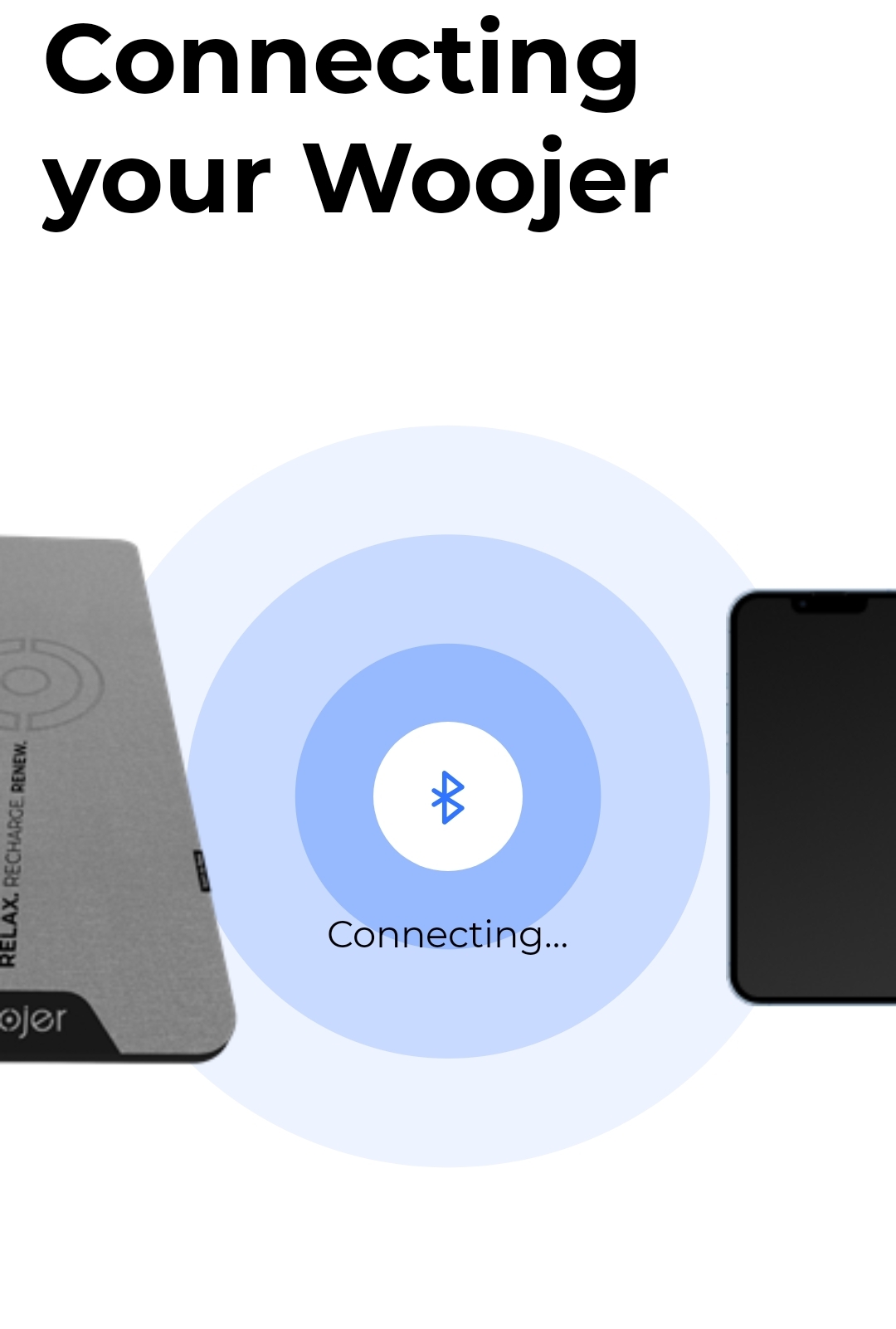
If your Woojer is running older firmware, you'll be prompted to update the firmware of your Woojer. This step is mandatory if your Woojer is running older firmware and cannot be skipped.
If you are prompted to update the Firmware, please press the "Update" button.
After your Woojer MAT restarts, you'll be prompted to pair the Woojer with your phone via Bluetooth for audio connectivity.
This step does not associate the Woojer with the app and only prompts you to connect the Woojer to your mobile device via Bluetooth for audio connectivity as the source.
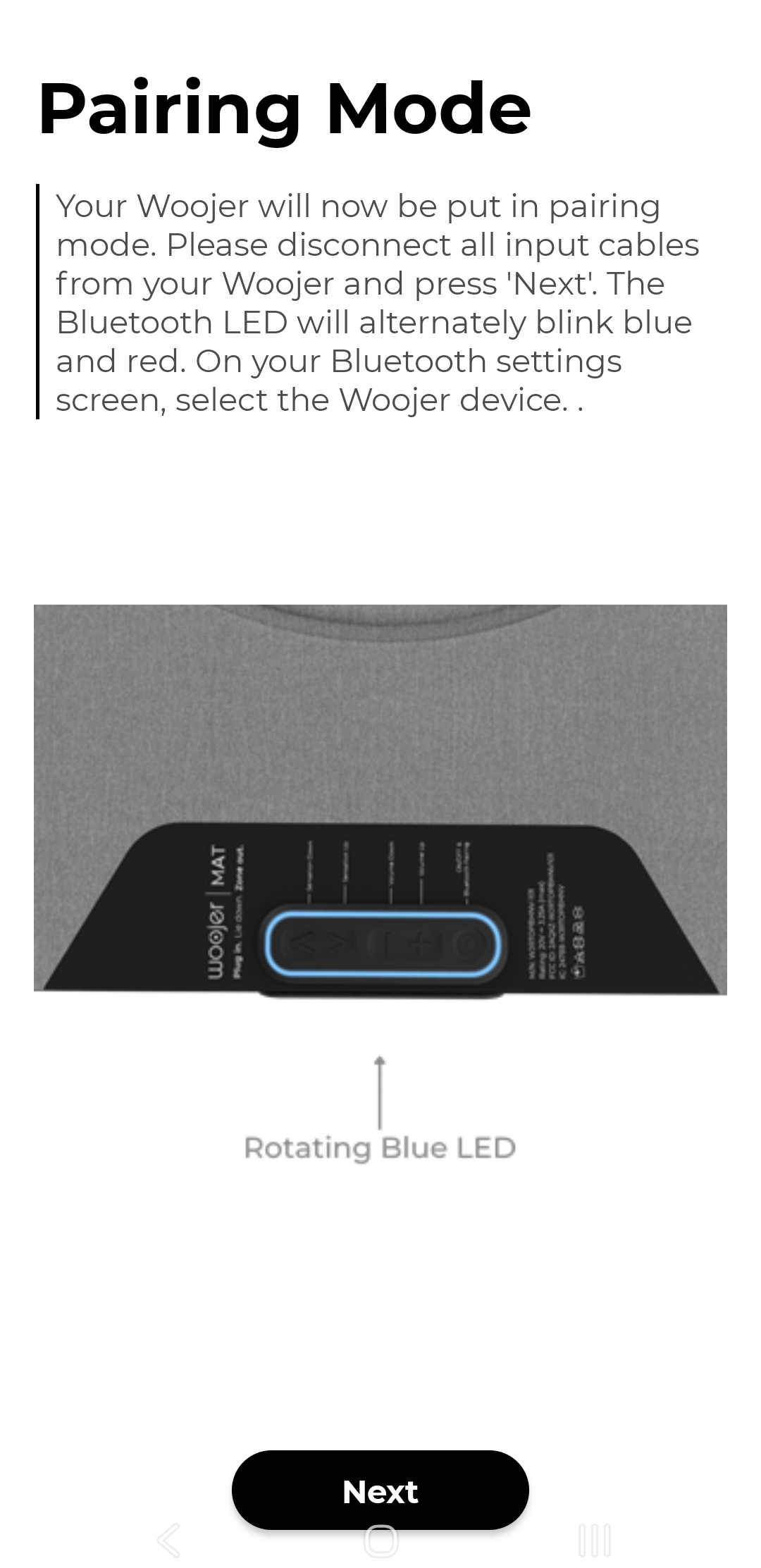
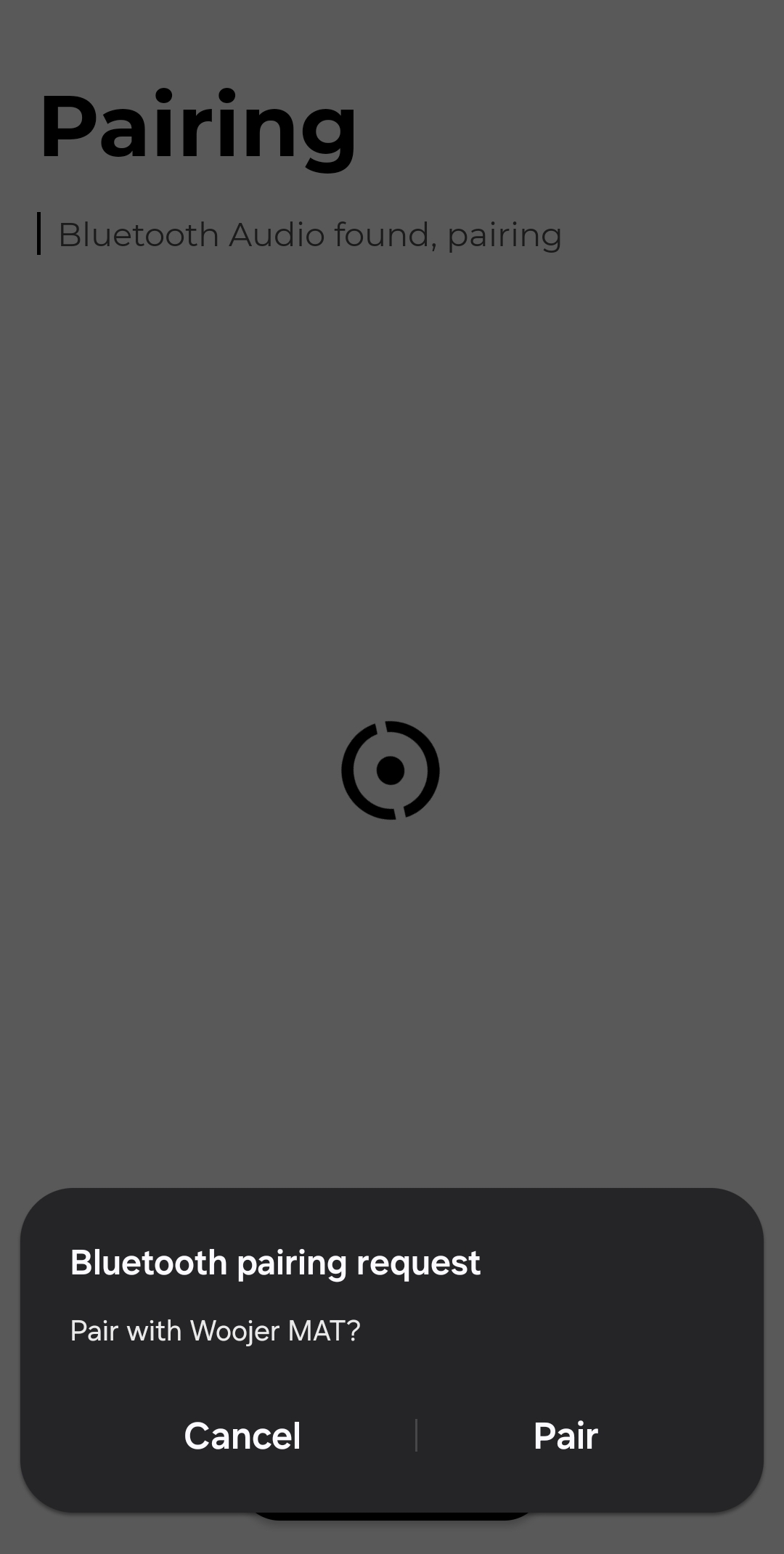
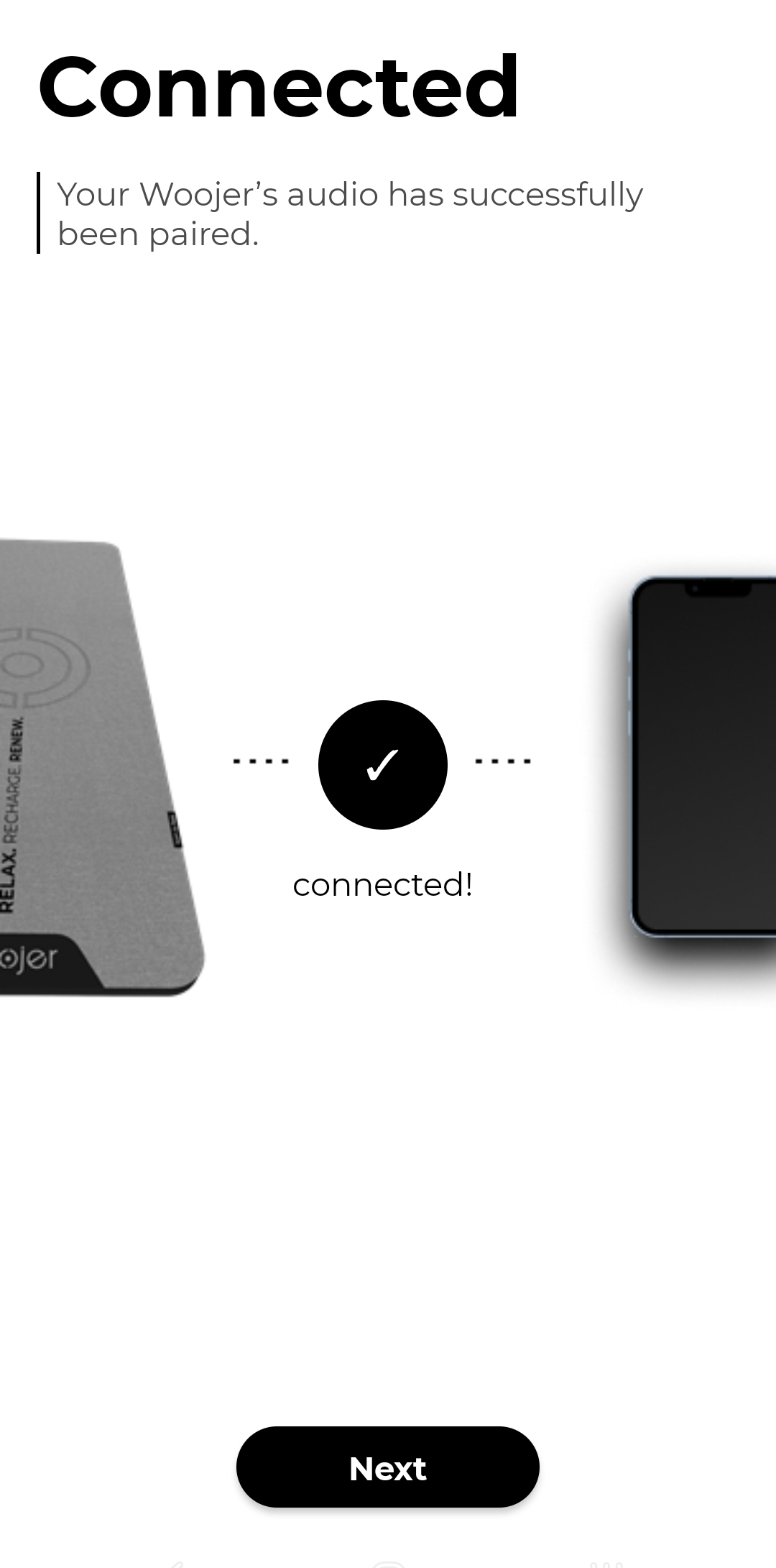
After performing all the previous steps, your Woojer will be associated with the app, and you'll be redirected to the following control screen.
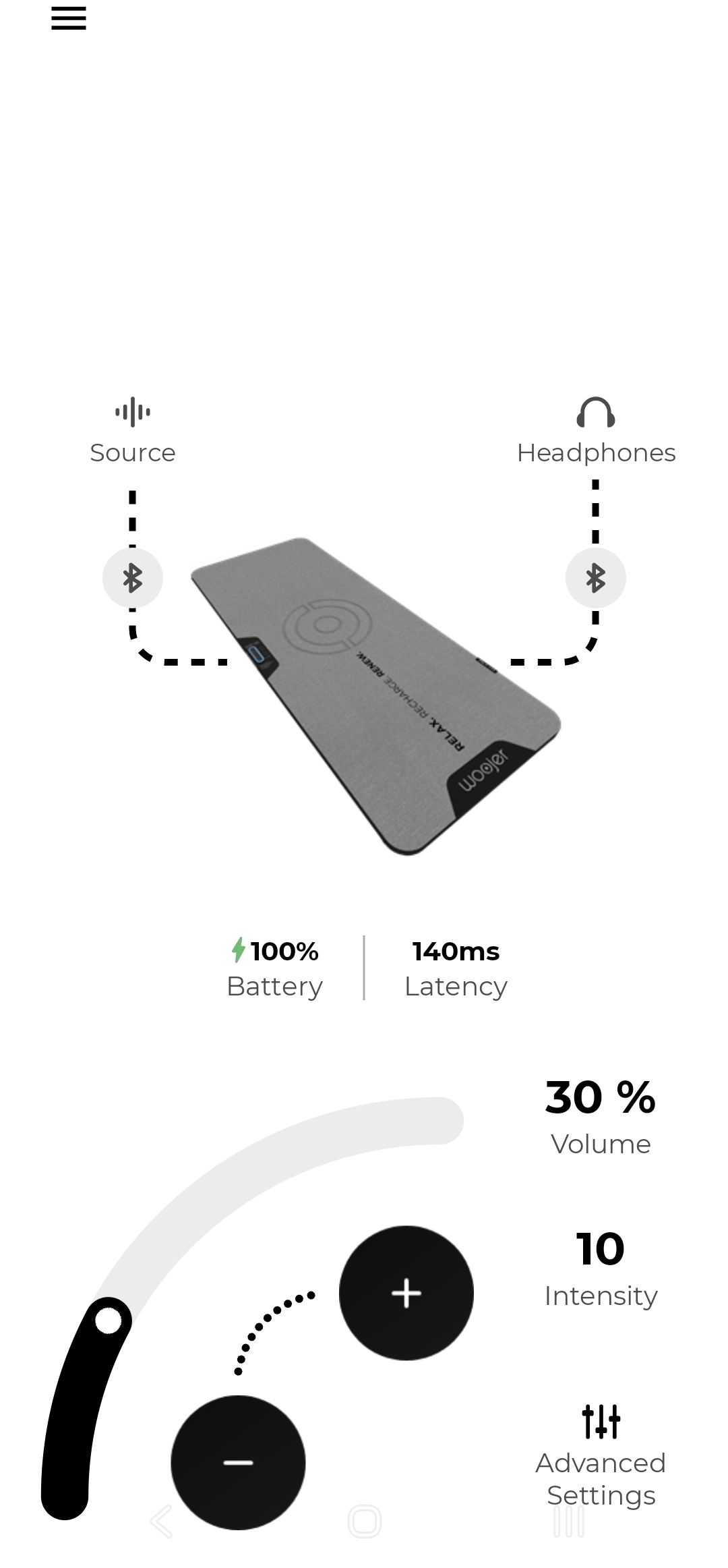
The control screen of the app allows you to review your Woojer MAT's, control the volume of your source, control the haptic intensity level, and see which devices are currently connected to the Woojer, both audio source and headphones.
Need more help?
Make sure to also check our article about the Woojer MAT App.
If you are content creator, make sure to check our article Woojer MAT Content Creators.
If problems continue, contact our Support Team.