
The Woojer Device Manager application comes bundled with a FOTA (Firmware Over The Air) update system.
This means that by using the dedicated app, you can easily verify that your Woojer is running the latest Firmware version and that it is fully updated.
During the initial association process with the app, along with any subsequent application start, the app will communicate with our servers to cross-check and compare your Woojer's firmware version. If the app detects that your Woojer is running an older firmware version, it will prompt you to perform a firmware update and provide you with the necessary instructions on how to proceed.
If the application did not automatically prompt you to upgrade the firmware of your Woojer, you can check out the following guide to learn how to update the Firmware:
Make sure your Woojer is already associated with the application. You can learn how to associate Woojer with the application through this article.
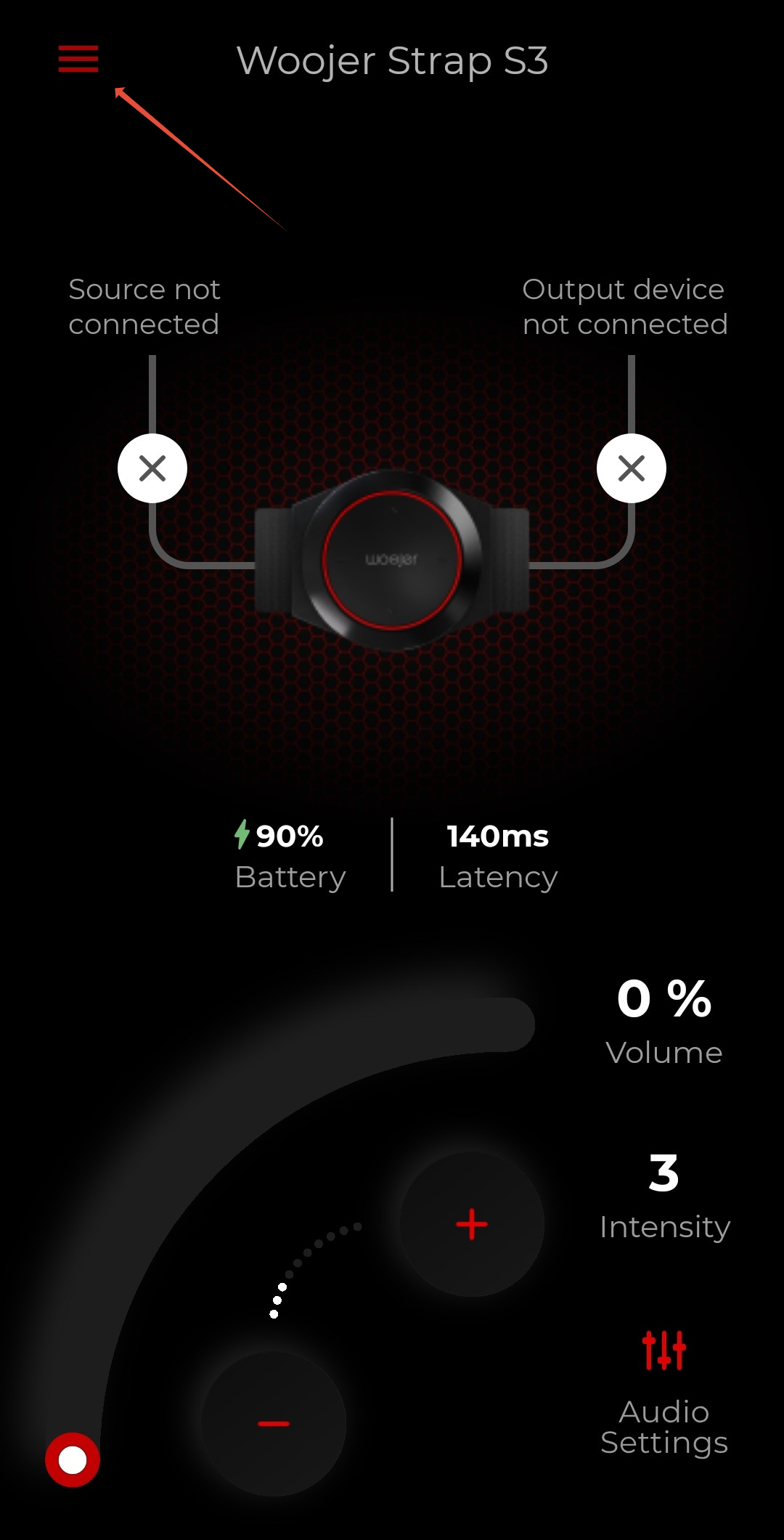
From the app home screen, press on the burger menu on the top left to access the application settings.
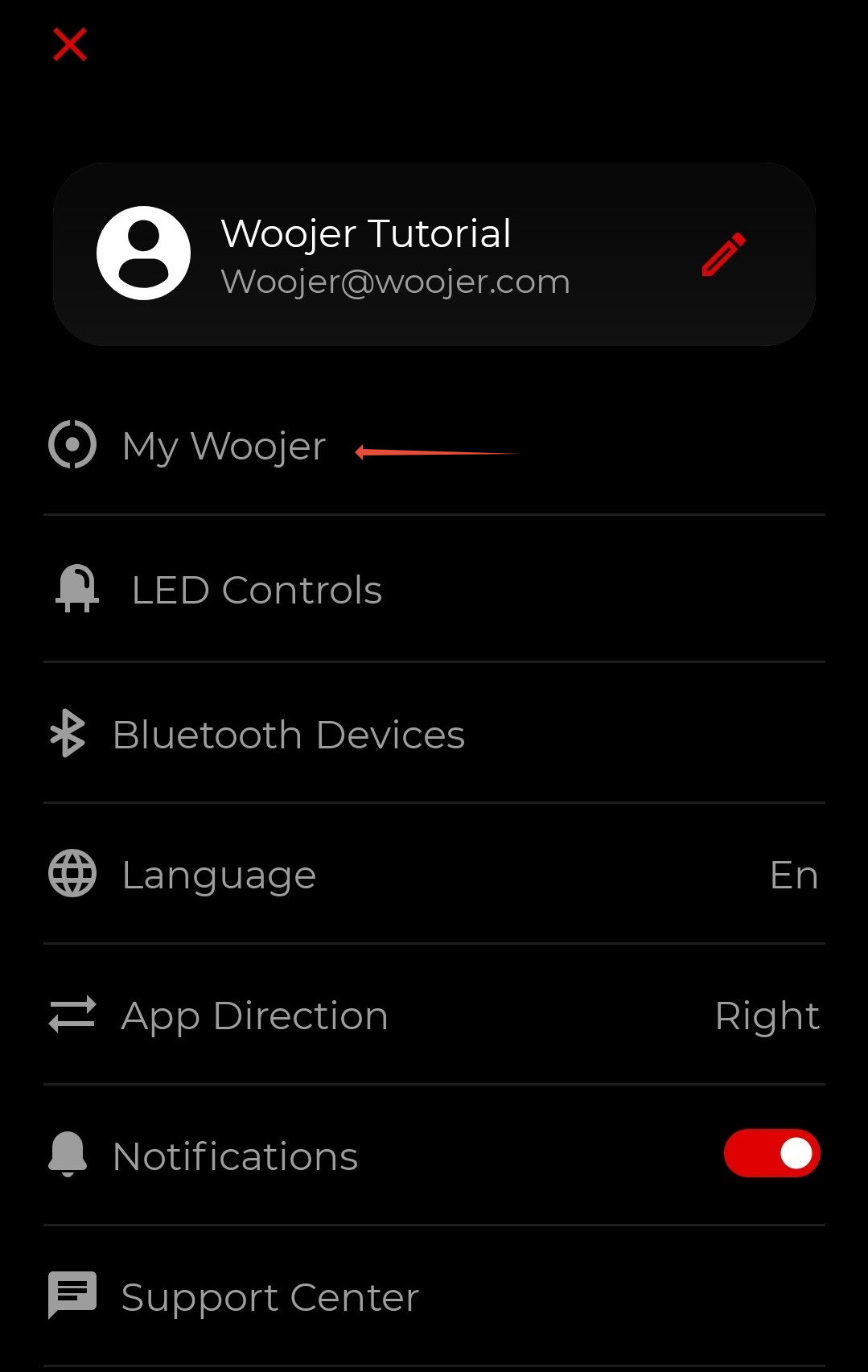
In the settings screen, select the "My Woojer" option.
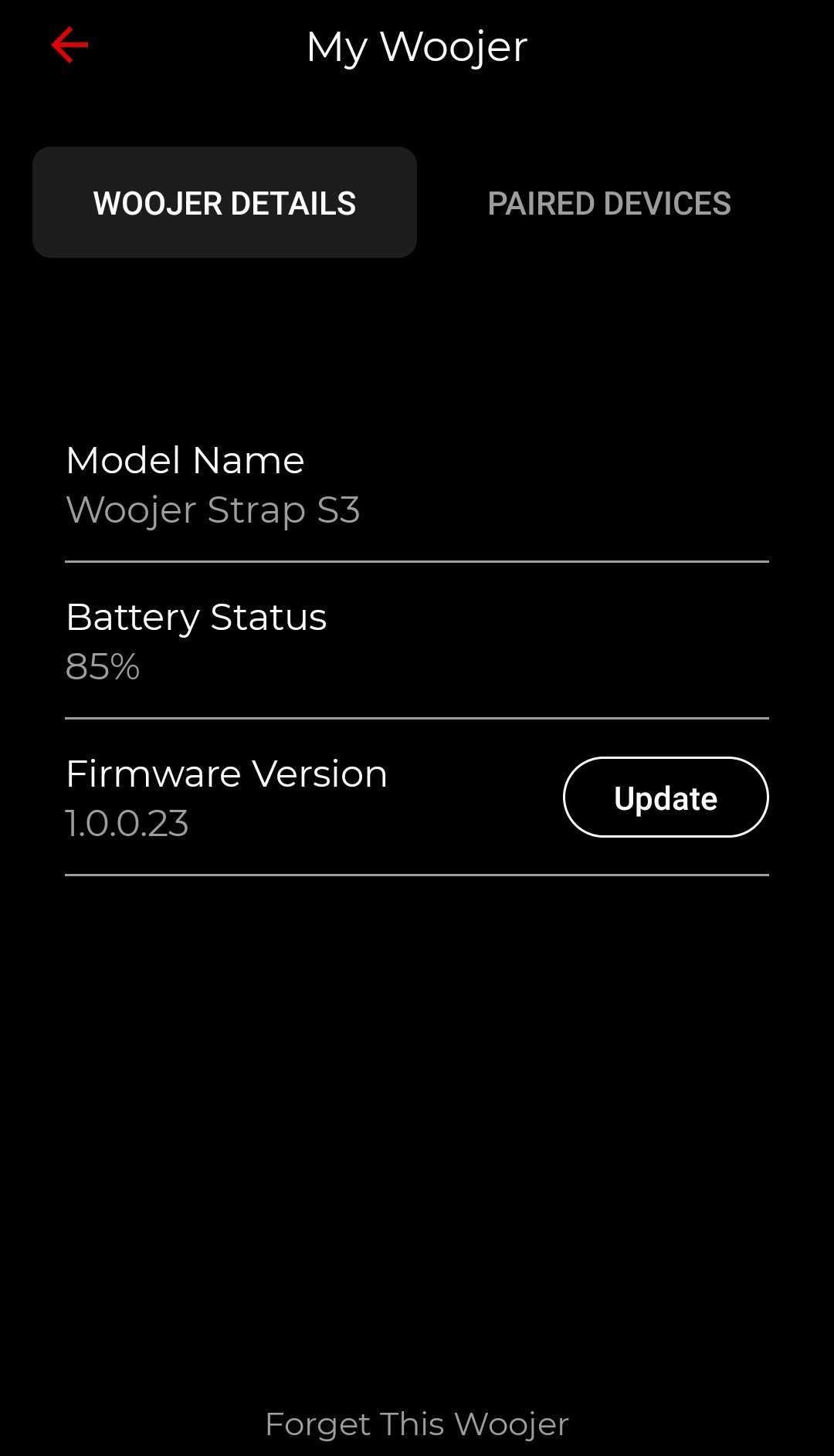
Under the "Woojer Details" pane you will be able to see your Woojer's model name, battery status, and firmware version. If you're running older firmware, the firmware version will also have an "Update" button displayed.
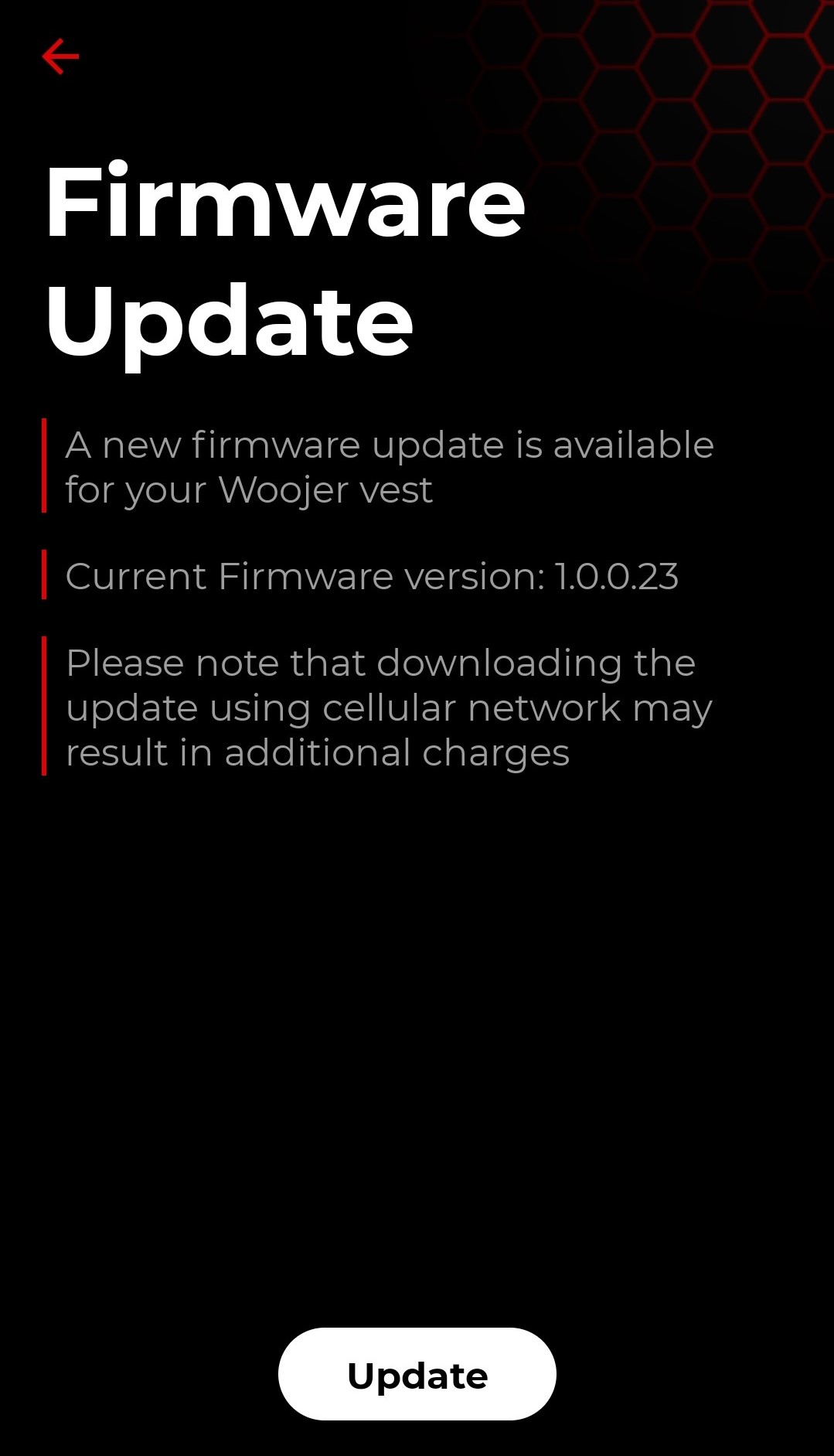
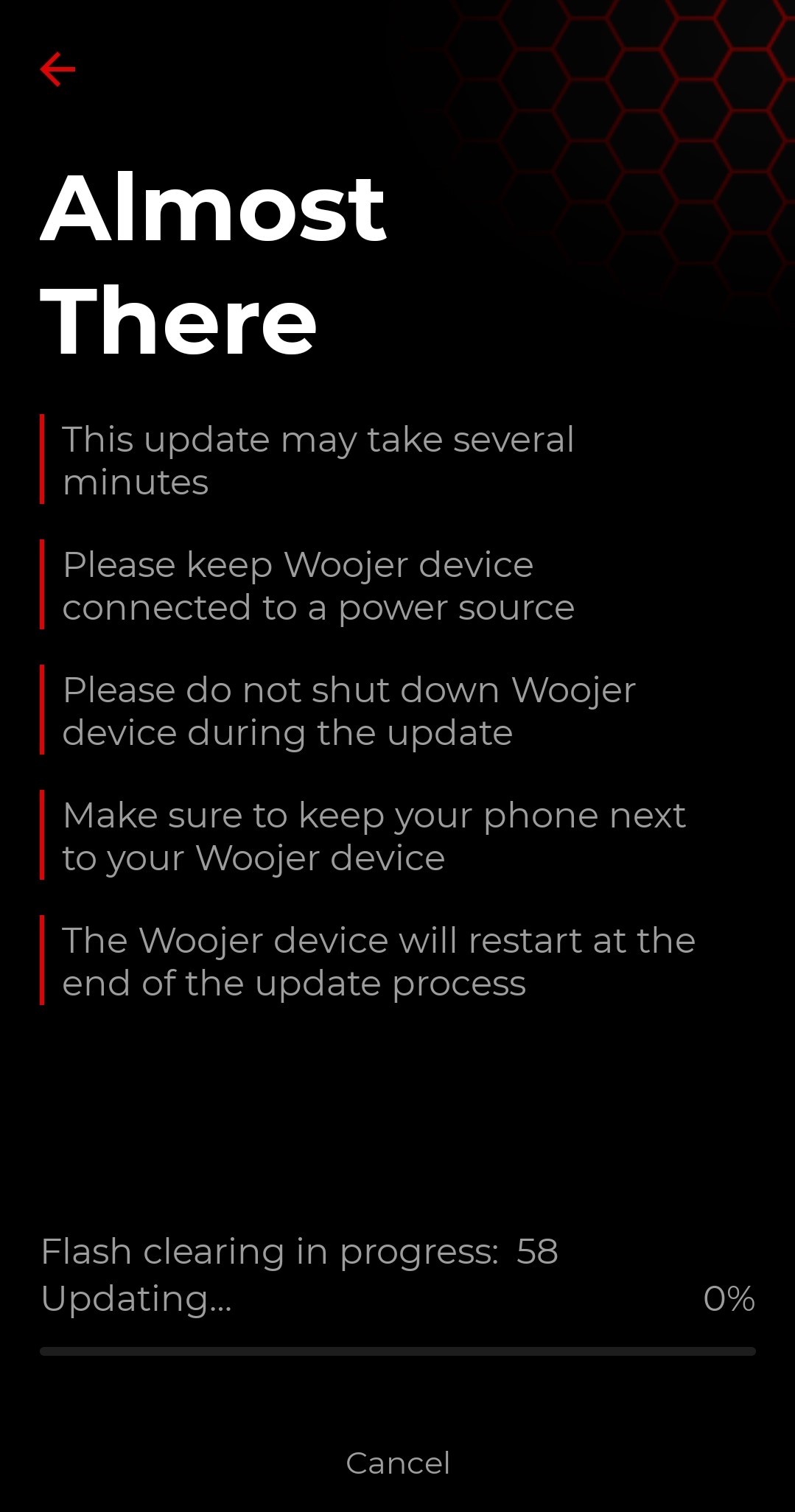
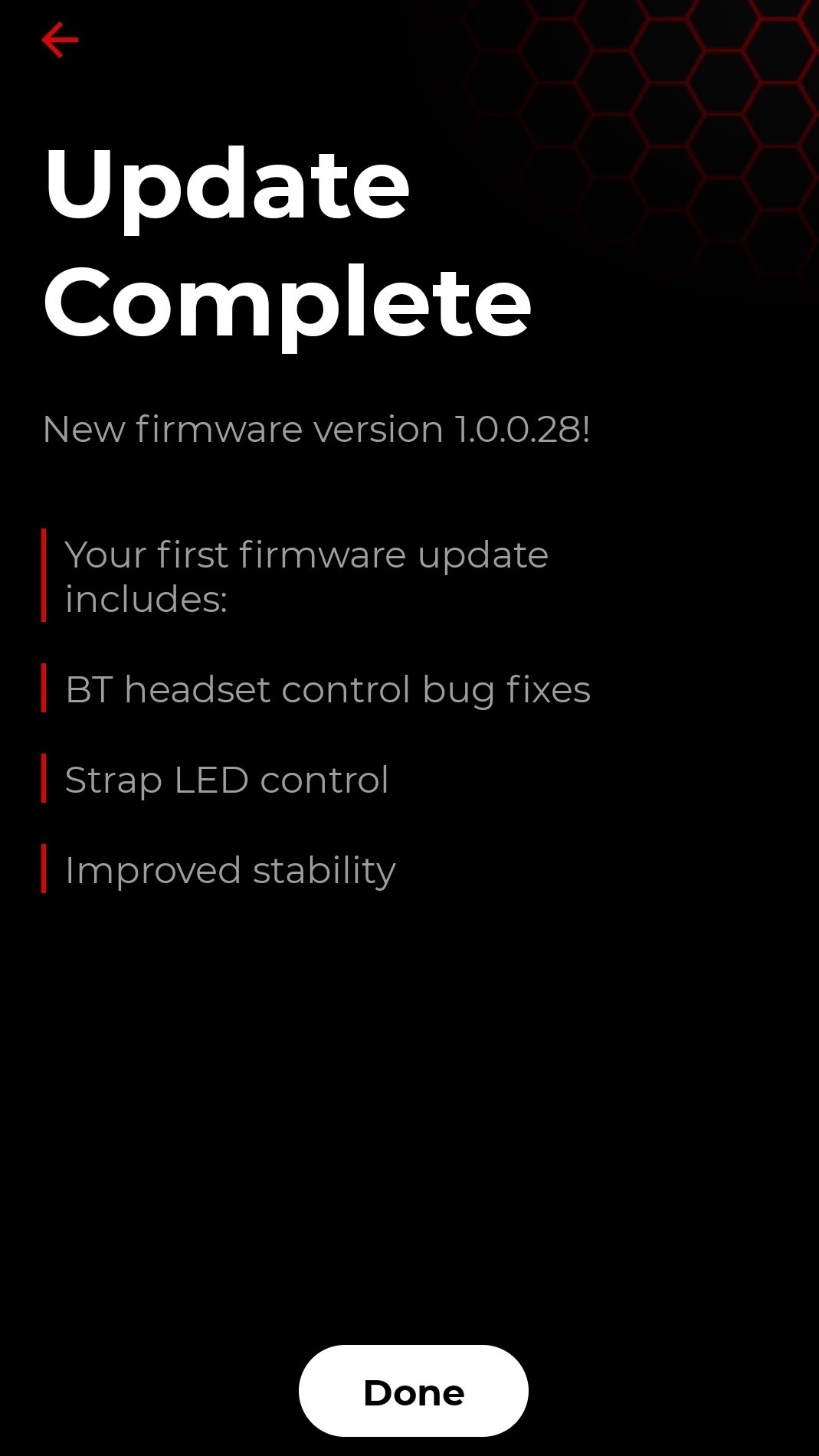
After pressing the "Update" button, you will be moved to the firmware update screen, where you will be prompted to initiate the firmware update.
Need more help?
For general setup instructions, make sure to check the article for Getting Started With Woojer MAT.
Make sure to also check our article about the Woojer MAT App.
If you are content creator, make sure to check our article Woojer MAT Content Creators.
If problems continue, contact our Support Team.